Your period, your perspective.
Move between past and upcoming payments, previous pay periods and custom dates.
 Payday Watcher
YOUR MONEY, BETWEEN PAYDAYS
The bills already behind you. The payments still ahead. Bring expenses and income into one clear plan, built around the day you actually get paid.
YOUR PAYDAY PERIOD
Illustrative amounts and dates. Payday Watcher cannot see your bank balance or pay bills for you.
Made for the payments you already know about.
THE IPHONE APP
Open your overview. Check the next bill. Capture a new expense while it is still in front of you. Designed for the small moments when you need a clear answer.
We'll add the App Store download link when the app is released.
Swipe to see all three screens
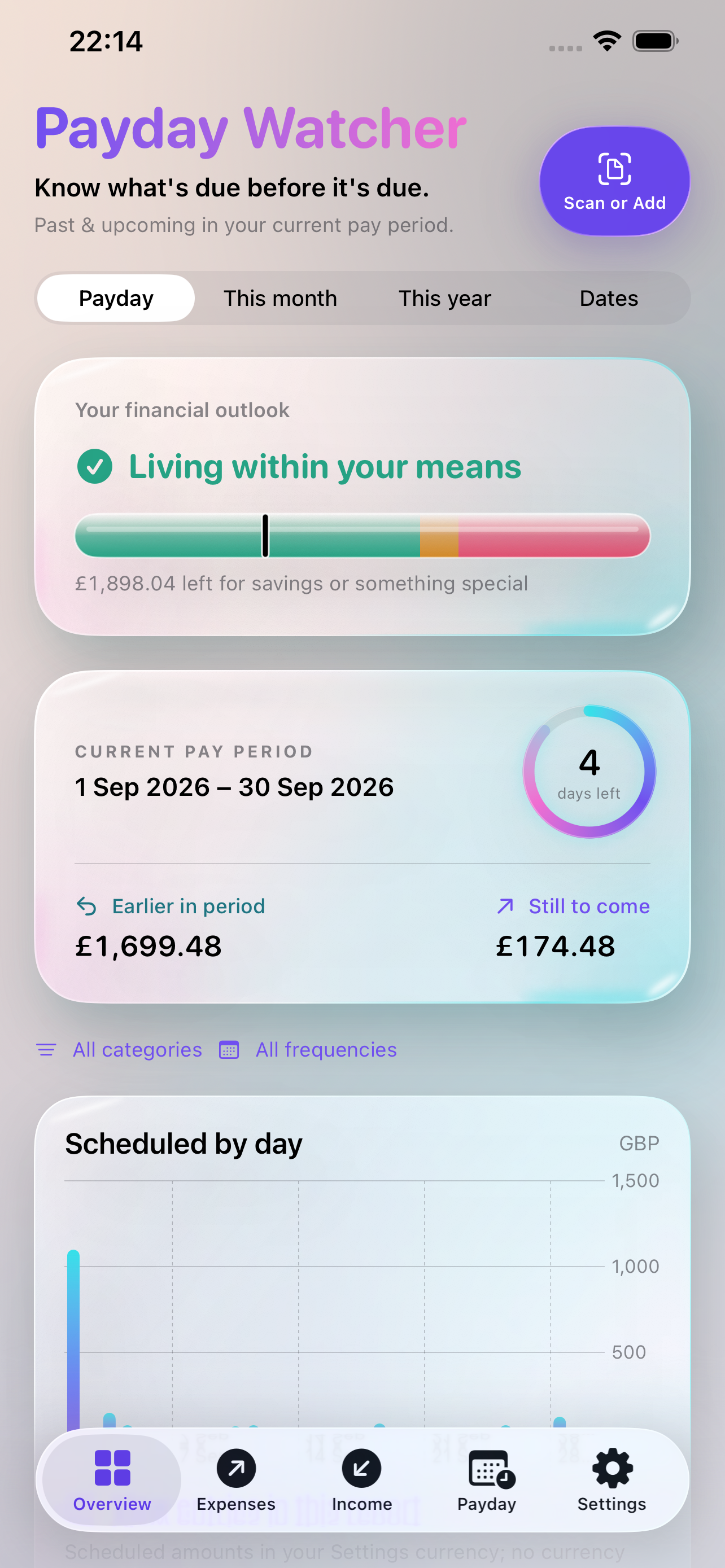
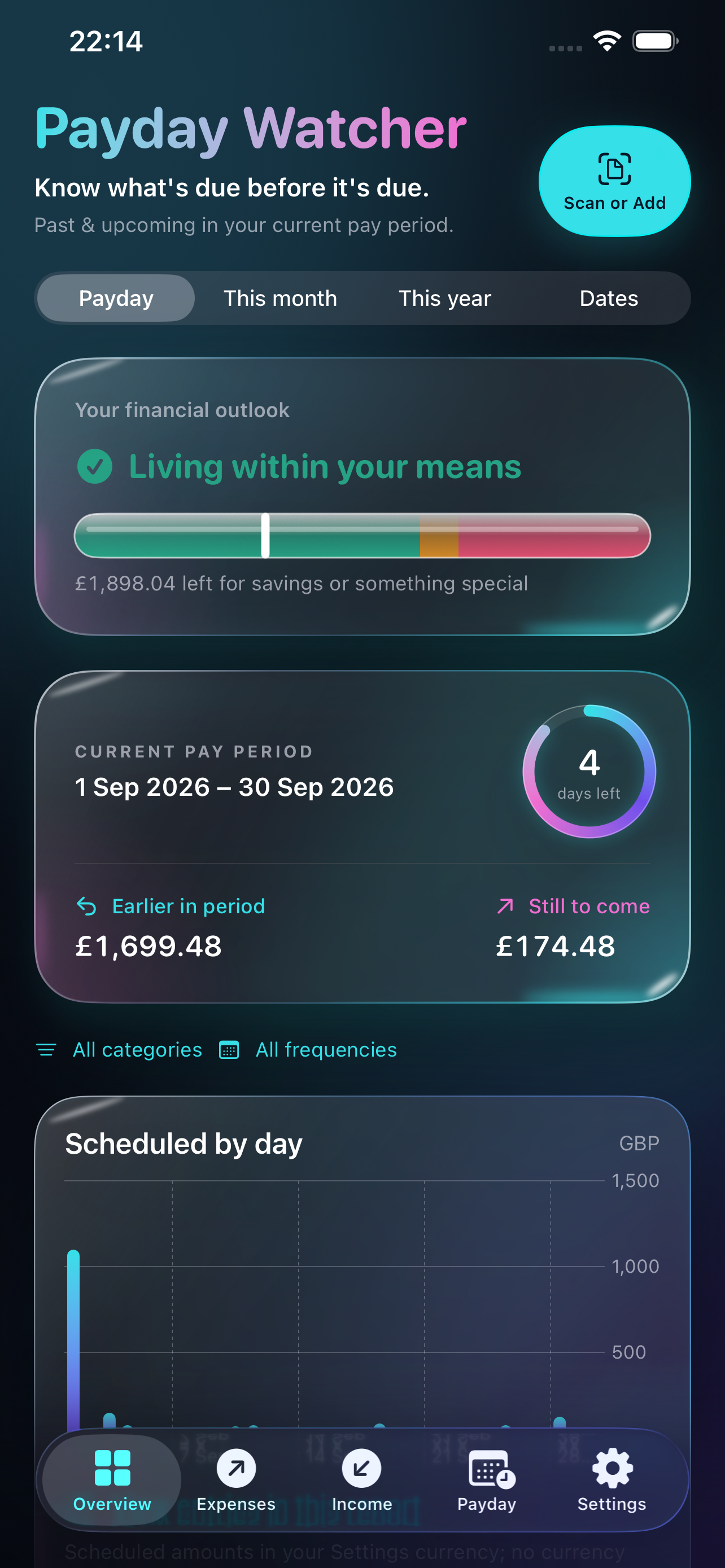
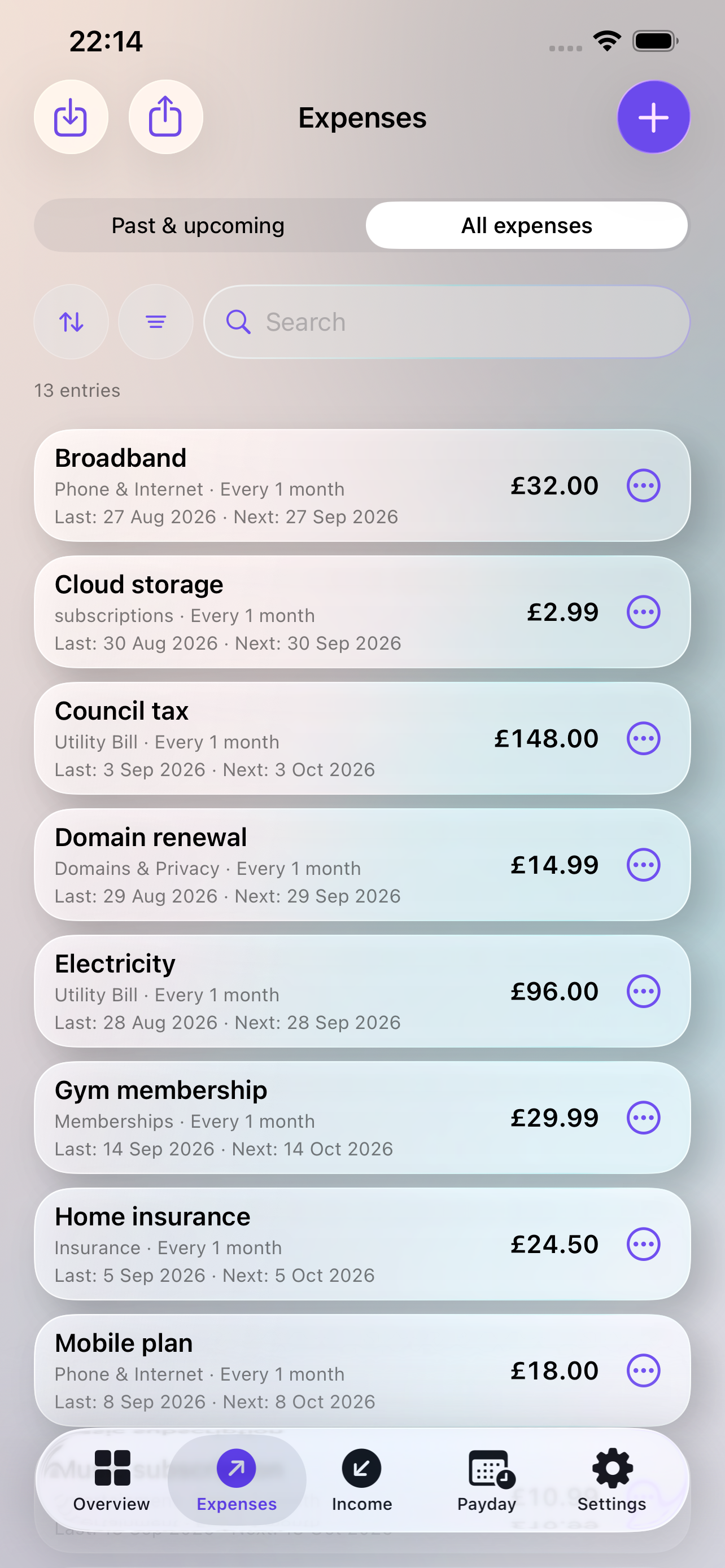
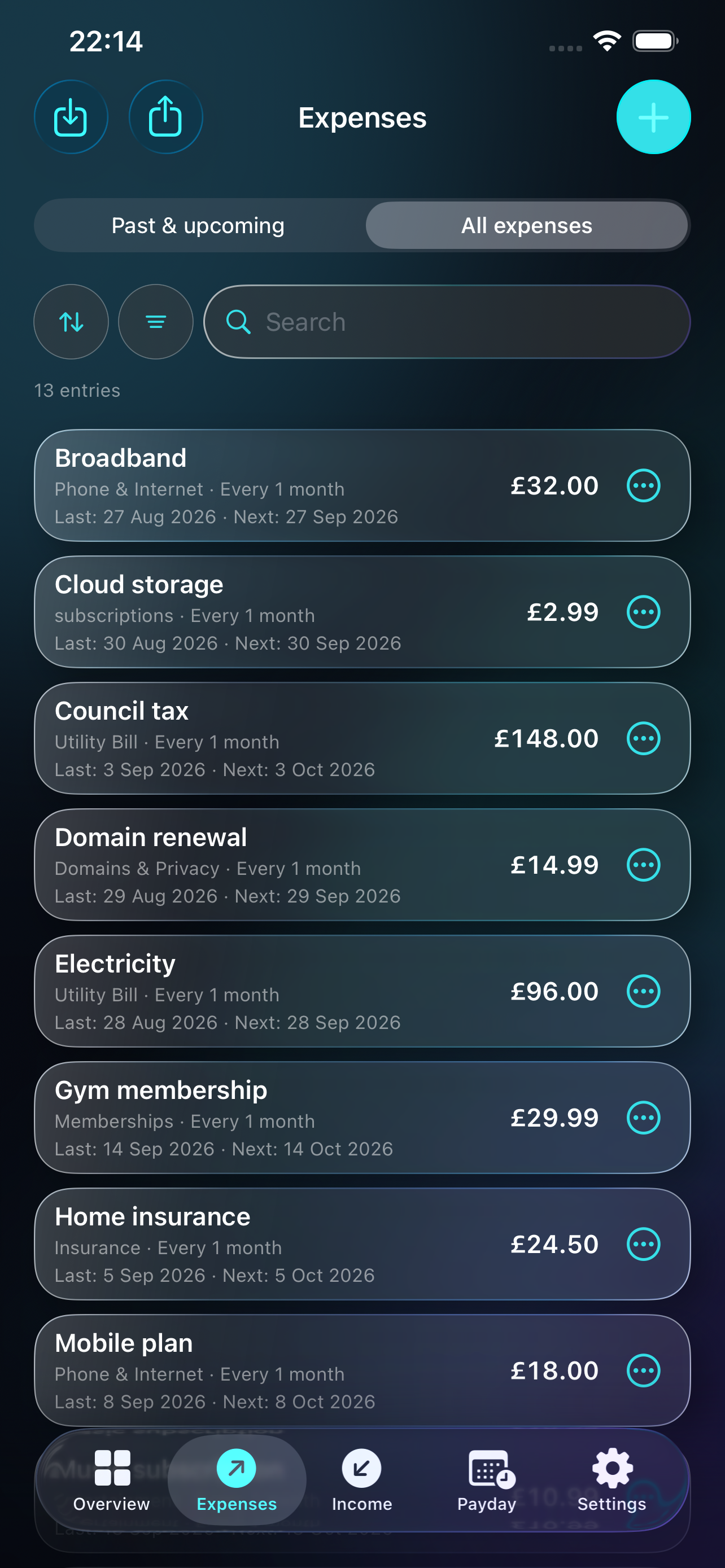
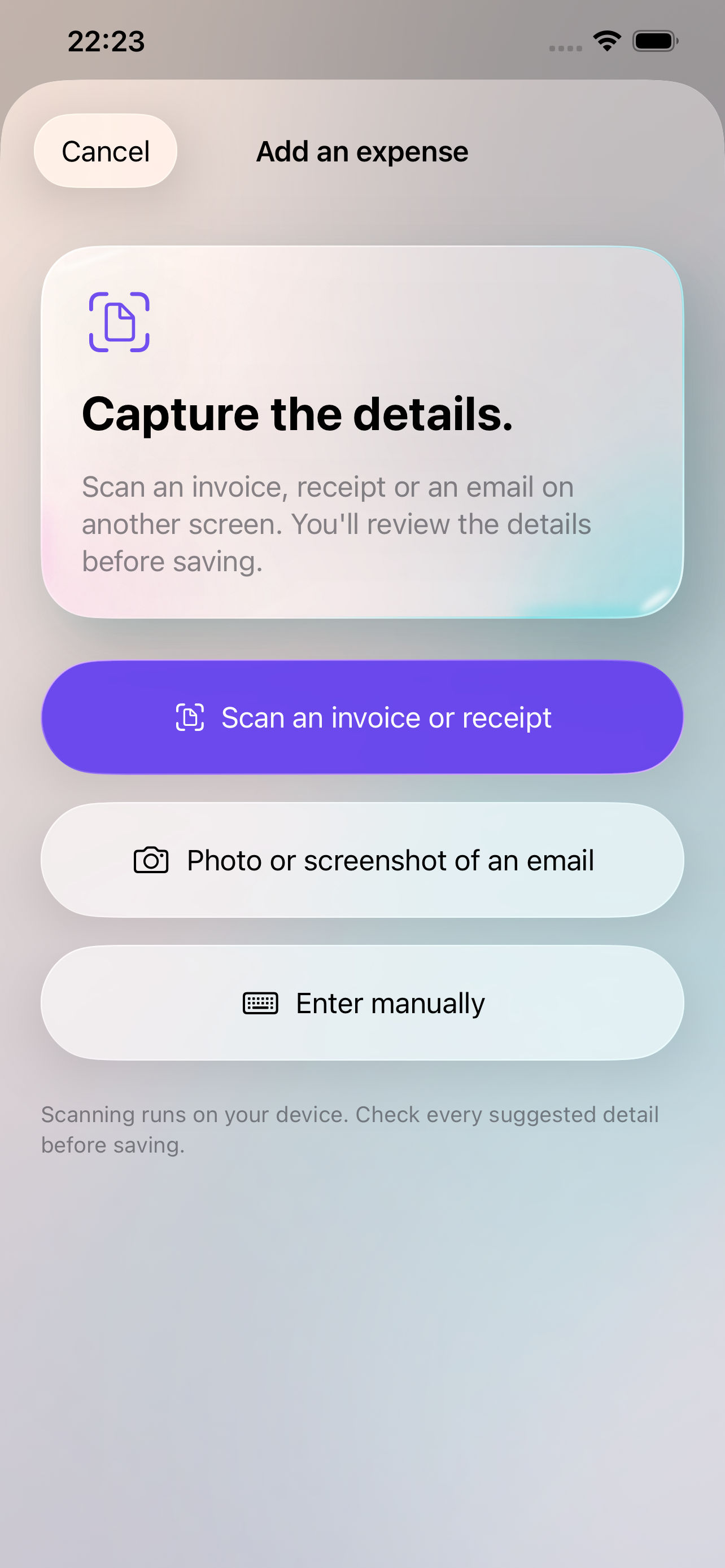
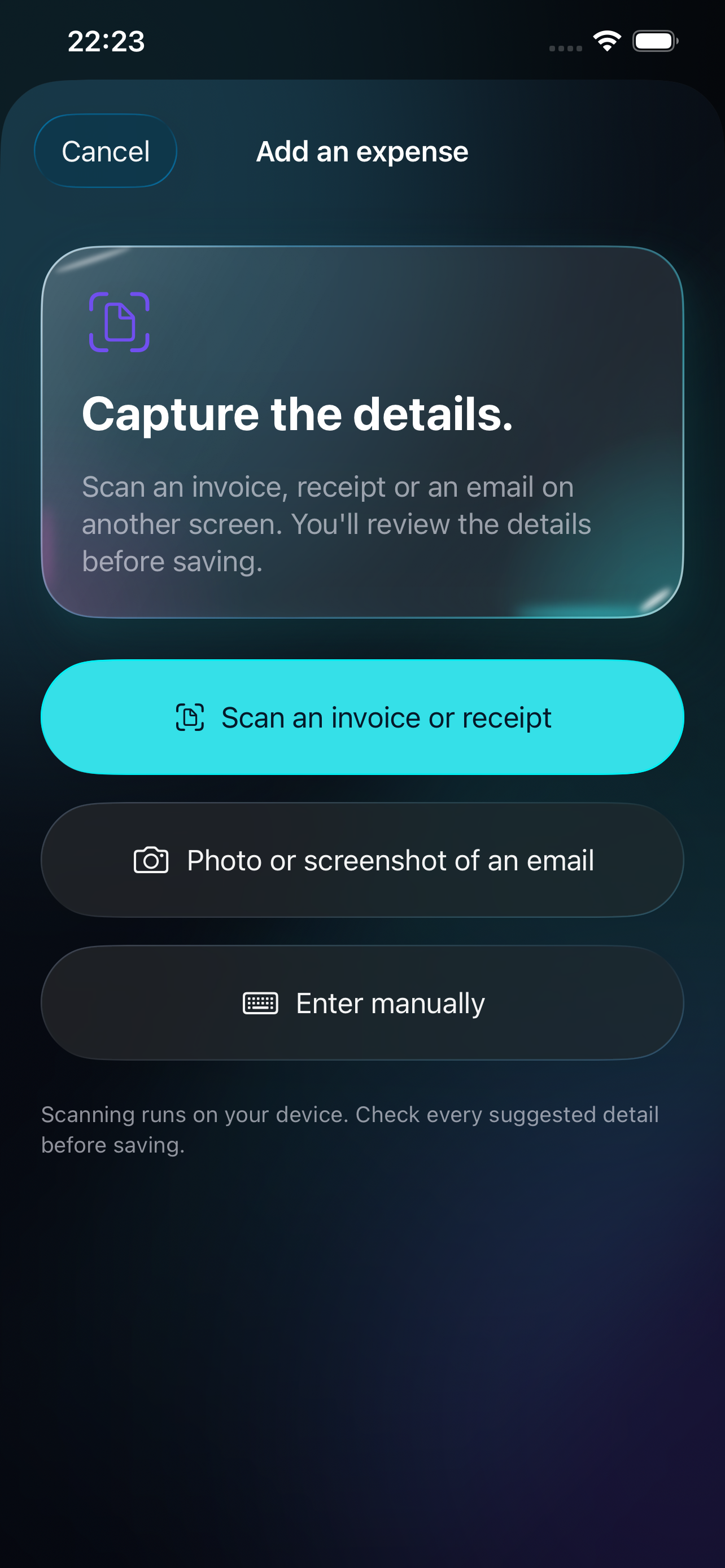
Actual app screenshots from version 1.0 (build 12), captured in an iPhone simulator with fictional sample data. App Store release coming soon.
MORE ROOM, SAME CLARITY
See the wider picture on iPad, or open up the view on iPhone Duo. Your expenses, income and payday stay at the heart of it.
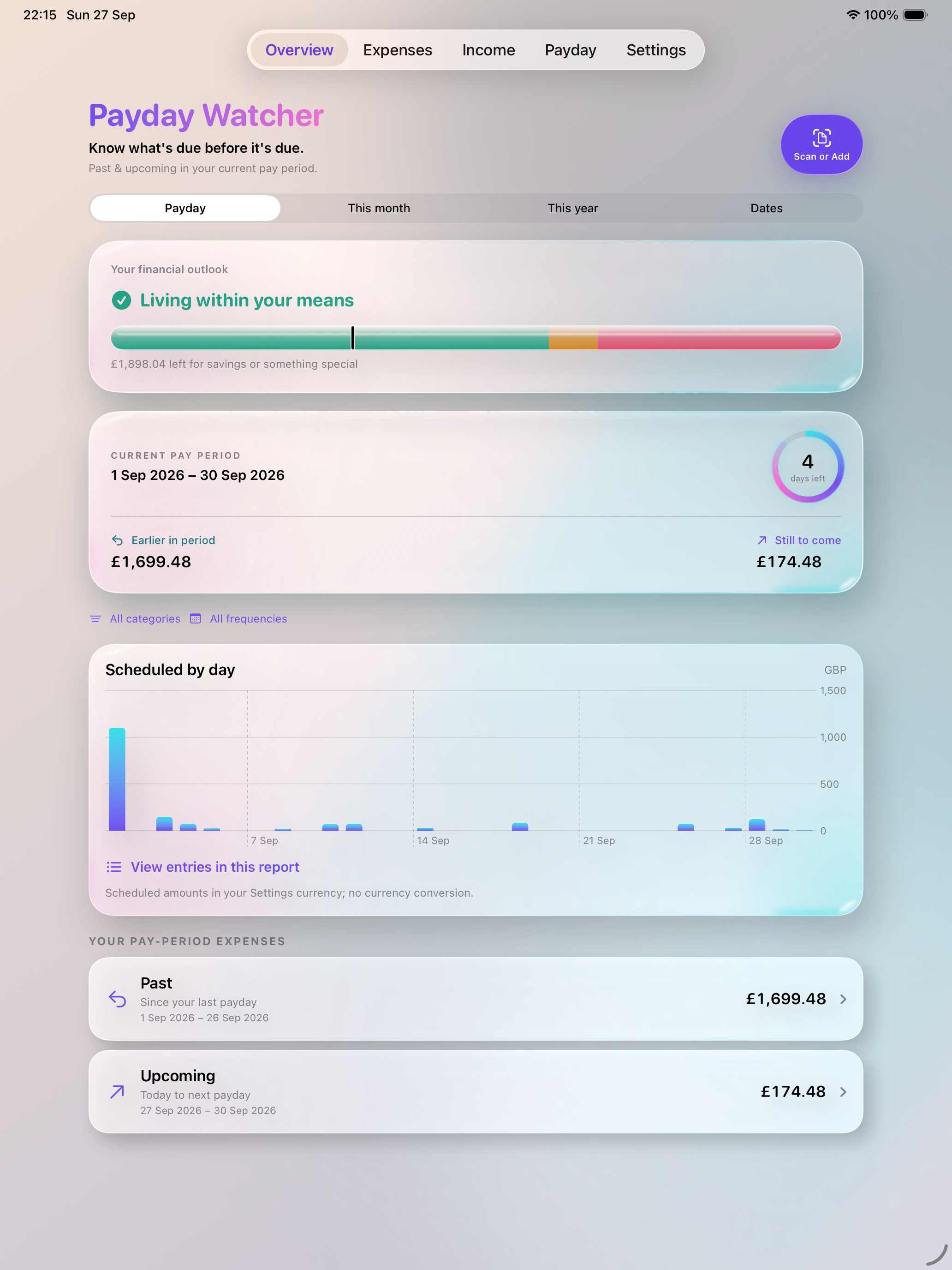
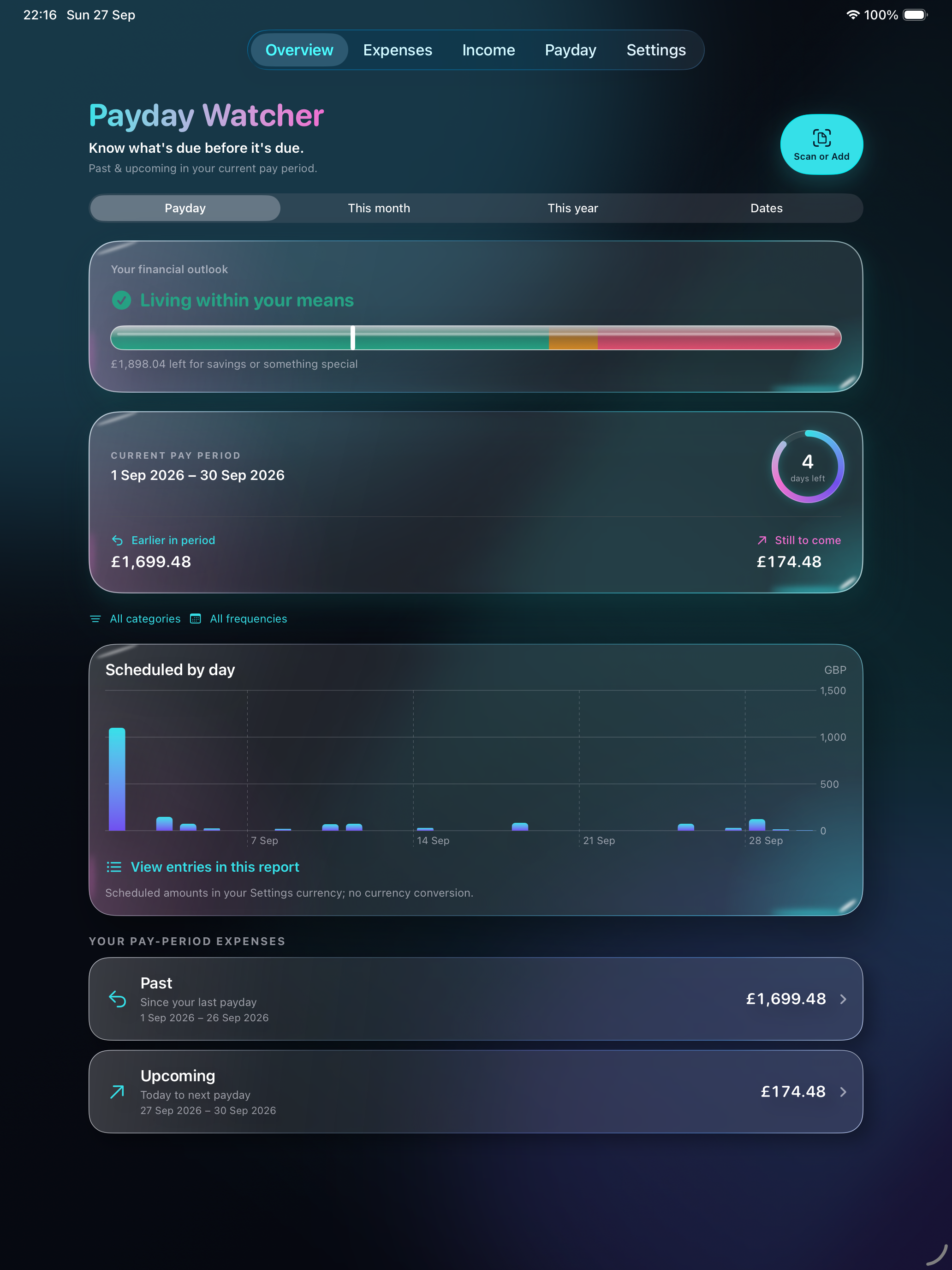
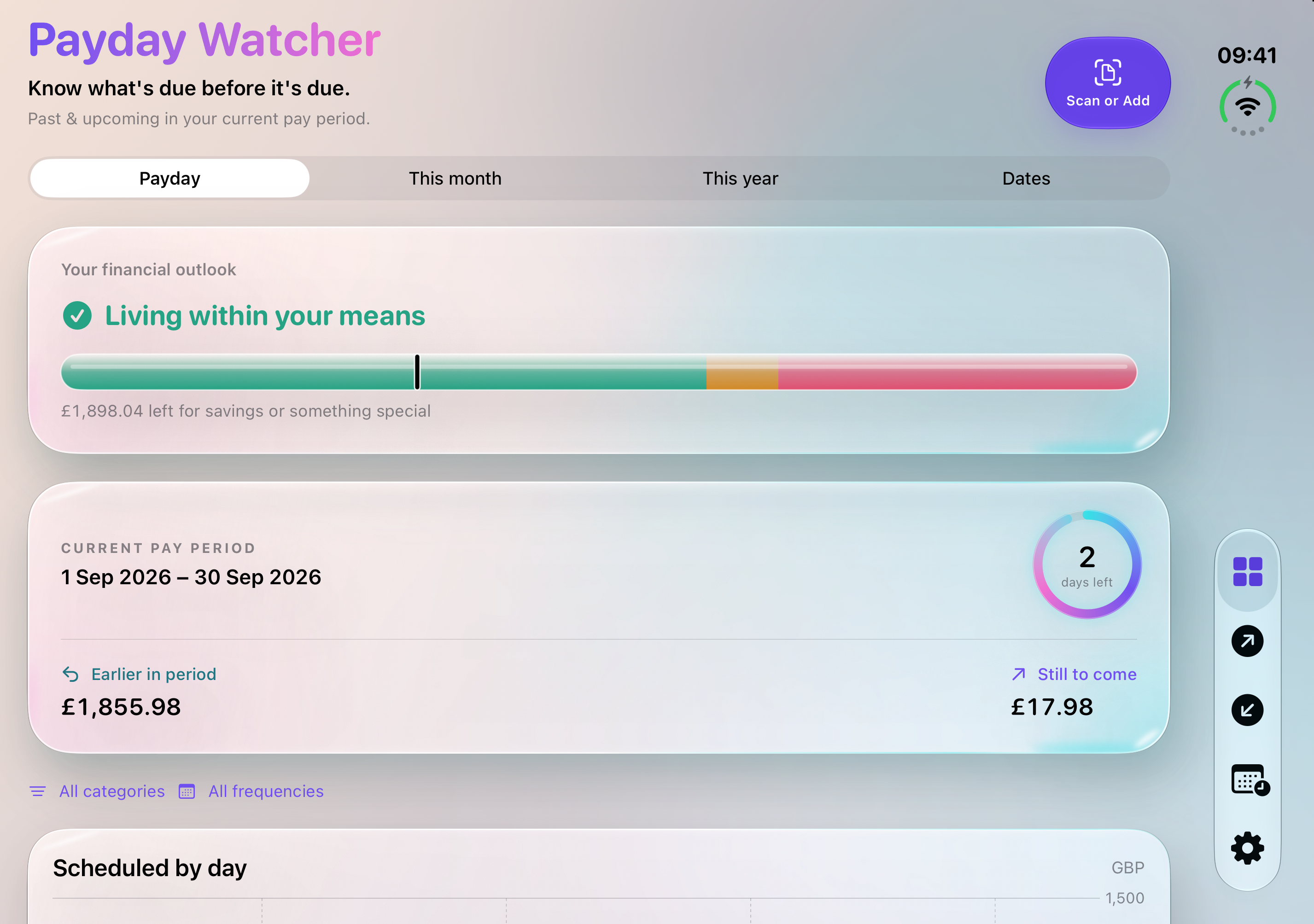
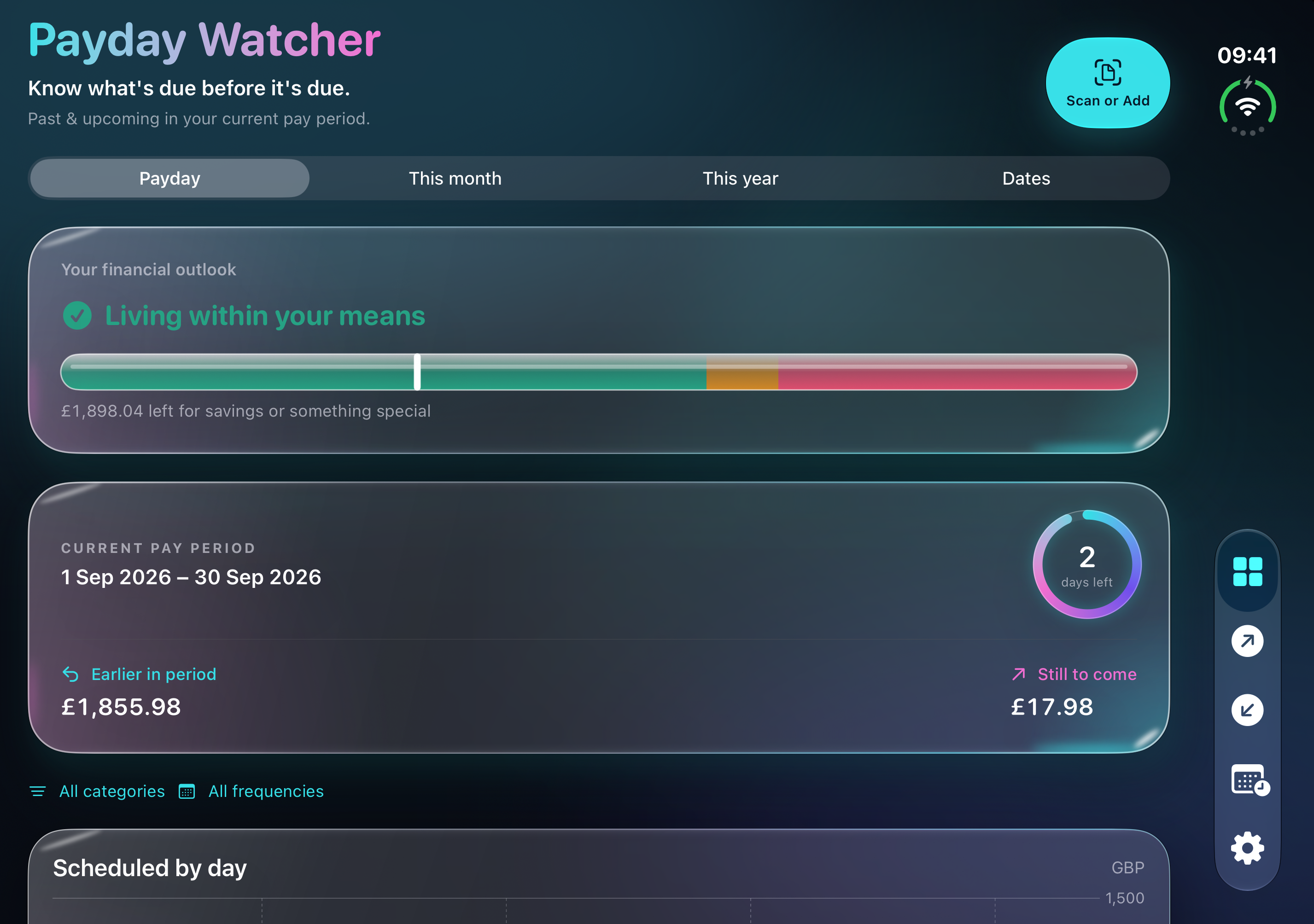
Current app interface in Apple’s simulators · Fictional sample data · App Store release coming soon. Select a screenshot to view it full size.
ROOM FOR THE BIGGER PICTURE
Sit down with your numbers. Explore your pay period, manage expenses and income, or look back over a date range that matters to you.
Open your desktop workspaceSign in or create an account · Encrypted storage with your consent
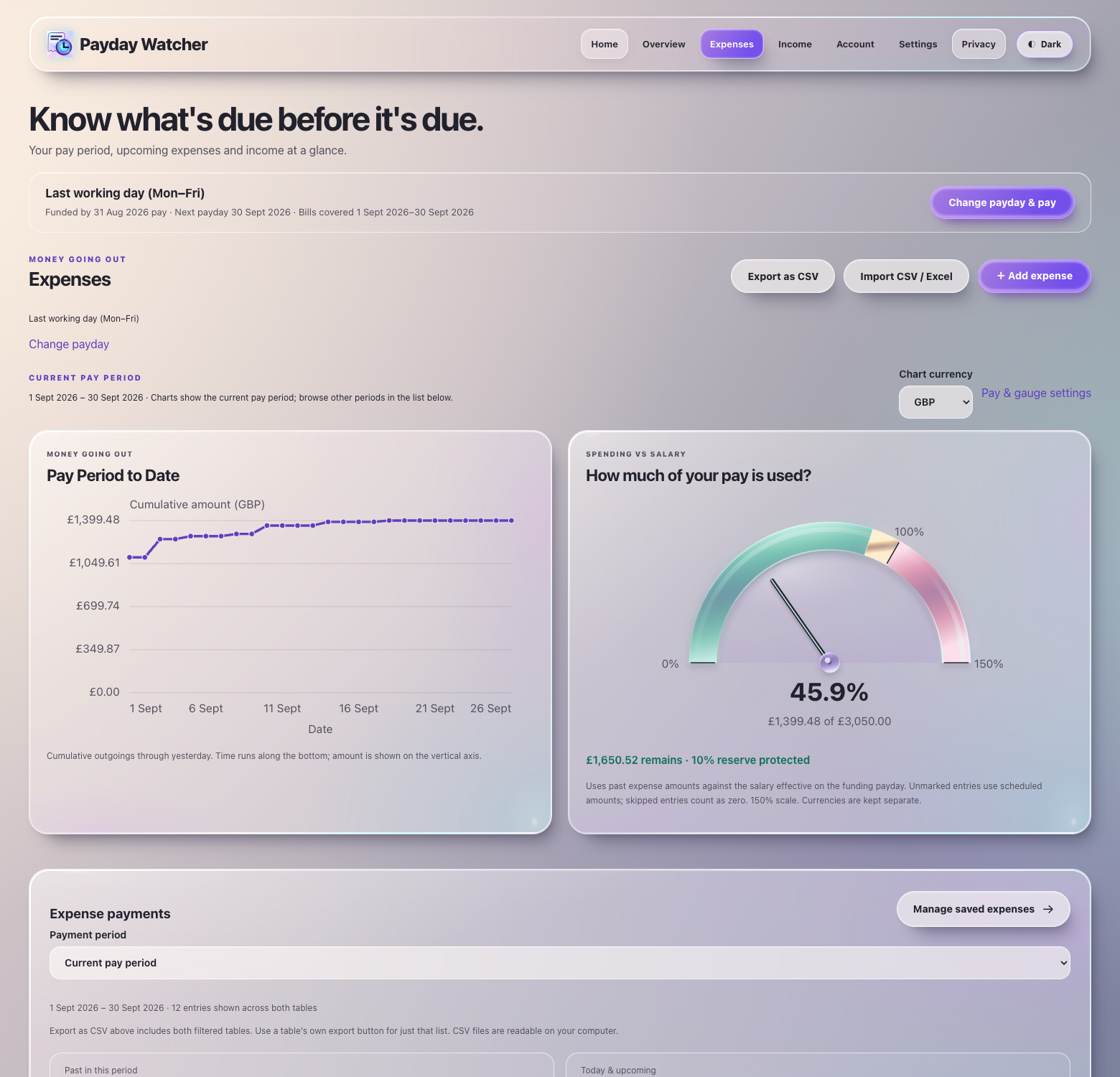
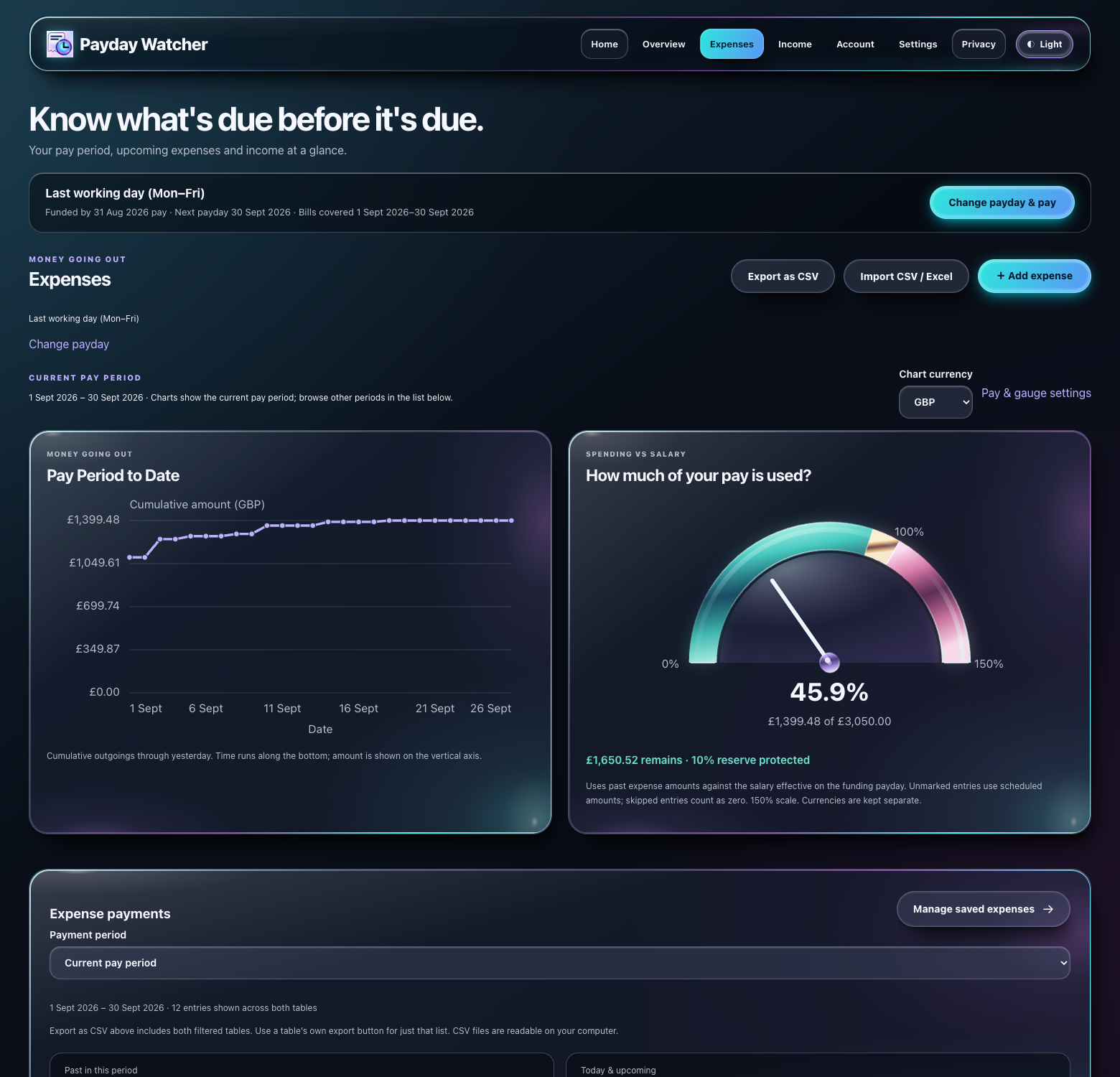
Move between past and upcoming payments, previous pay periods and custom dates.
Add expenses and income, set start and end dates, then sort by name, date or amount.
Import CSV or Excel entries. Export your chosen payment list as CSV for your own records.
A SIMPLE START
Start with your payday, add the commitments you know about, and let the dates form a picture you can use.
Weekly on a Friday? The last working day of the month? Set your schedule and, optionally, your take-home pay.
Enter bills, renewals and other income. On iPhone, scan a receipt or a photo of an email and review the suggested details.
Check what falls before your next payday. Record a bill as paid or skipped, and keep the history when an amount changes.
BUILT AROUND REAL LIFE
From a small annual renewal to your biggest monthly bill, keep the details that a simple total can miss.
A SCHEDULE THAT FITS
Choose a date, the last Friday, the last working day or the last day of the month. Weekly and other regular pay cycles fit too.
KEEP THE HISTORY
A pay rise. A new mortgage rate. A price increase. Save when a change takes effect and look back over the dates you choose.
BOTH SIDES OF THE PICTURE
Track bills alongside salary and other income. See spending against take-home pay, with a reserve you can adjust.
A CLEAR CHOICE
Keep your entries on your device, or choose encrypted online storage to use the desktop workspace. Your device encrypts financial entries before upload, and your password unlocks them in your browser. Staff cannot read those entries from the stored database copy without your decryption key.
Your email and sign-in records remain readable to run and protect your account. Local app use does not require online storage. Read our privacy policy.
BEFORE YOU BEGIN
A clear view of your money starts with knowing how the app works.
Get in touchNo. You add the expenses and income you want to track. Payday Watcher uses those schedules and any payments you record; it cannot see your bank balance or make payments.
Your overview follows your payday rule. For example, if your funding payday was 31 August and the next is 30 September, it covers 1–30 September. Dates before today are in Past; today through payday are in Upcoming.
Yes. Local app use does not require an account. Desktop access requires an account and your consent to encrypted online storage. Your device encrypts your financial entries before upload. Read how encryption and account metadata work.
The iOS app can use the camera to scan a receipt, invoice or email displayed on another screen. Check the suggested name, amount and dates before saving. Scanning does not give Payday Watcher access to your email inbox.
The iPhone and iPad app is in development and is not yet on the App Store. These screenshots show the current app interface with fictional sample data. The download link will appear here once it is released.
Yes. The iPhone and iPad app is free to use. If you allow advertising, the free app may show a small Google AdMob banner. You can change that choice in the app's settings. An optional monthly Ad-Free subscription removes ads; Apple shows the local price and renewal terms before you subscribe.
YOUR NEXT PAYDAY STARTS WITH A PLAN
Bring your expenses and income together in the desktop workspace.